MT4 Expert Advisor
SenDash
for Traders
A professional MetaTrader 4 dashboard with auto-trading, swing trade signals, divergence alerts, and real-time MT4 Mobile notifications.
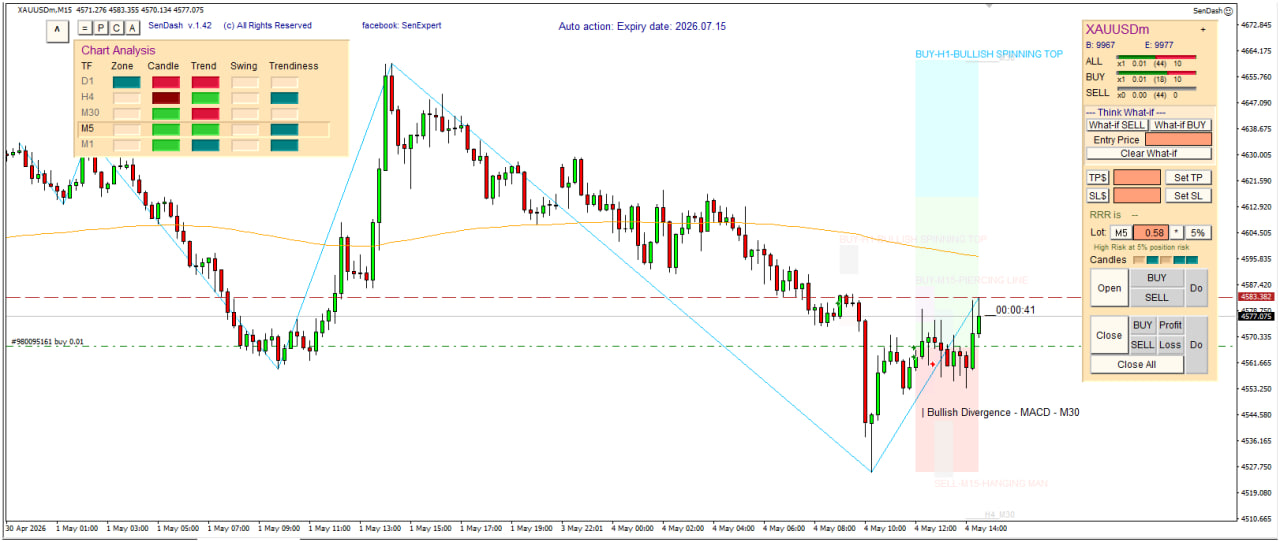
Live Dashboard Preview
v1.67
Adjusted trade setup for improved signal accuracy
v1.64
Bug fix: repeatedly entering and exiting swing trade — improved trade setup logic
v1.60
Bug fix: MT4 Mobile notifications not sending — default notification now
TRUEv1.51
Public release
02
Installation
01
Download
Download
SenDash.ex4 and place it in your MT4 Experts folder.02
Configure MT4
Press Ctrl+O to open Options and enable the settings shown below.
03
Set Properties
Attach SenDash to a chart, configure properties, and enable AutoTrading.
How to Install SenDash on MetaTrader 4
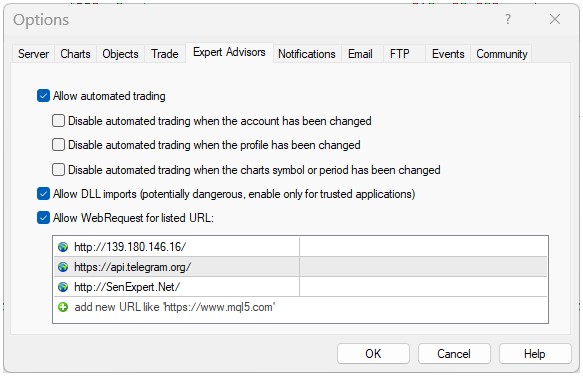
MT4 Options
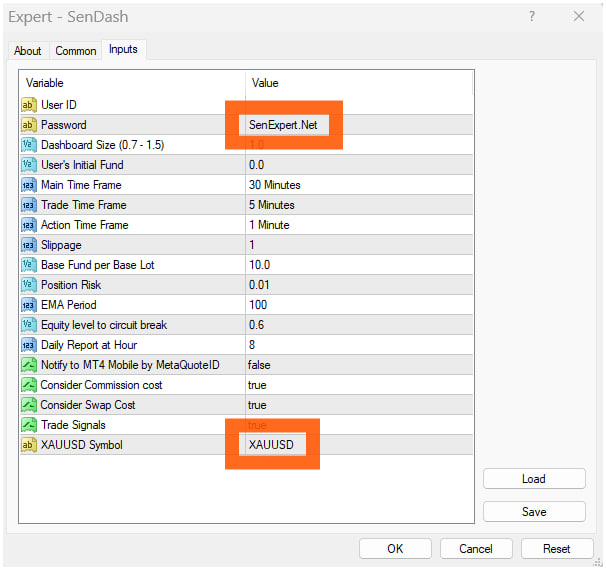
Properties (1 of 2)
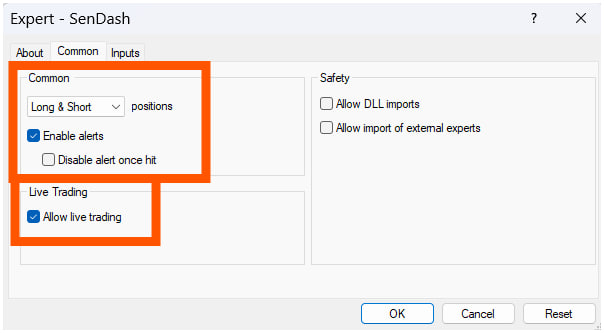
Properties (2 of 2)
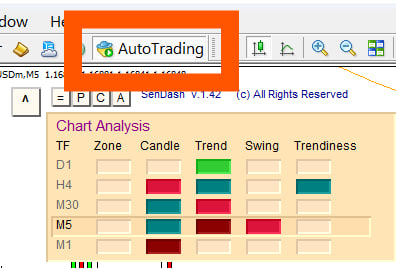
Enable Autotrading
03
Video Tutorials
SenDash Overview & Trading Guide
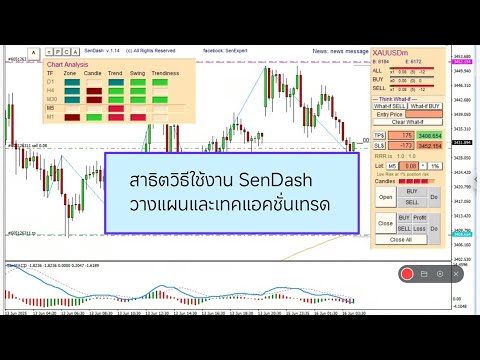
วิธีใช้งาน SenDash ep.1
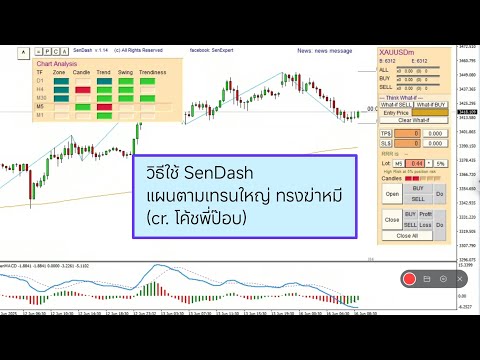
วิธีใช้งาน SenDash ep.2
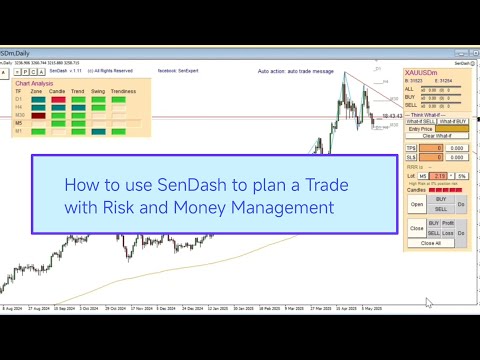
How to use SenDash
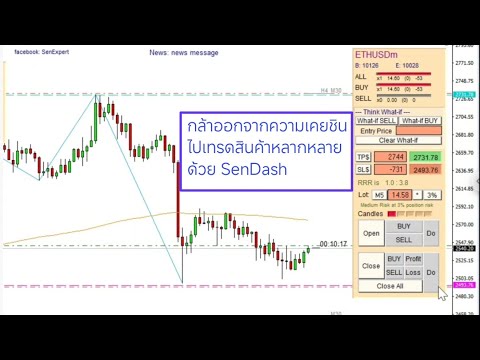
ก้าวออกจาก Comfort Zone…
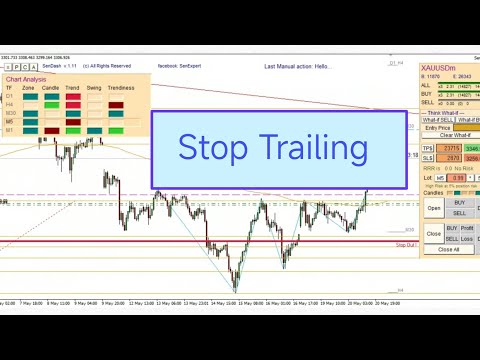
Stop Trailing ด้วย SenDash
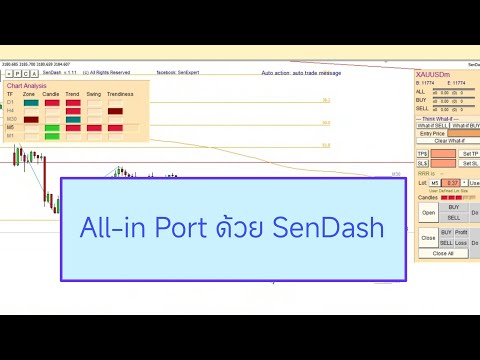
All-in Port ด้วย SenDash
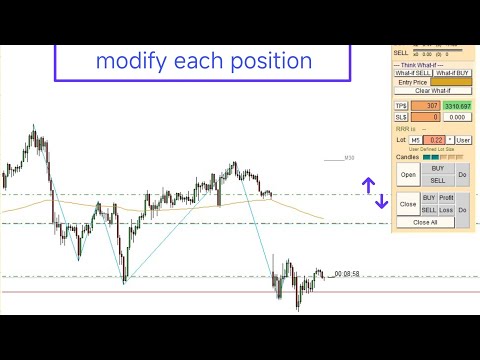
Modify position TP/SL one by one
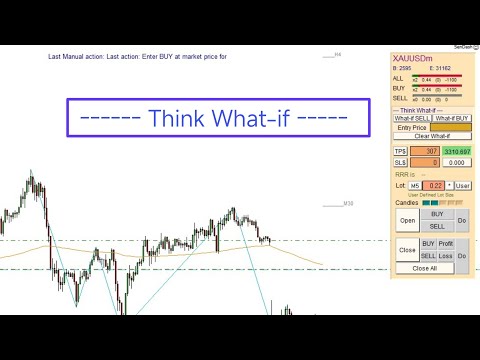
Use 'What-if' to plan a trade
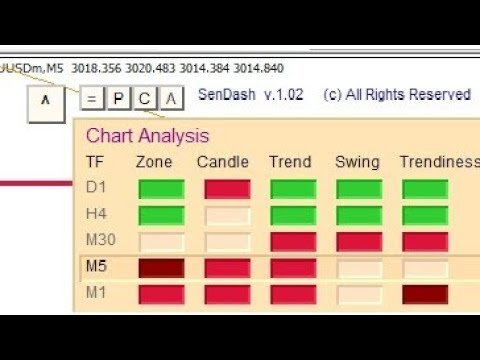
SenDash Auto Trade System
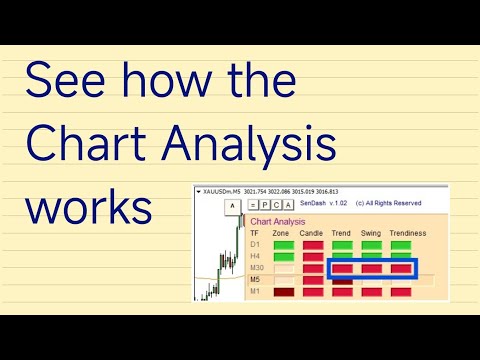
SenDash Chart Analysis
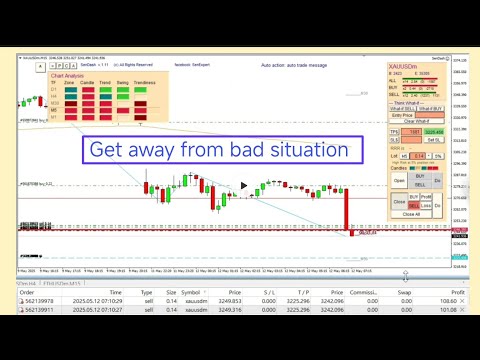
Get Away from a Bad Situation
Hedge Cover Loss
Trail Stop เพื่อ Cover จุดเข้า
04
Community

Scan to join Line Group
Scan the QR code or click the link above to join the encore group for real-time trading signals and discussion.